

When it’s time to upgrade workstations, many organizations face a common question: should you choose a standard workstation or invest in a custom solution?
At first glance, standard workstations may seem like the simplest and most cost-effective option. However, depending on your workflow, equipment requirements, and growth plans, a custom workstation can often deliver greater value over time.
The right choice depends on more than budget alone. It requires a clear understanding of how your team works today and how your needs may evolve in the future.
This guide outlines the key factors to consider when evaluating whether a standard or custom workstation is the better fit for your operation.
Understanding the Difference
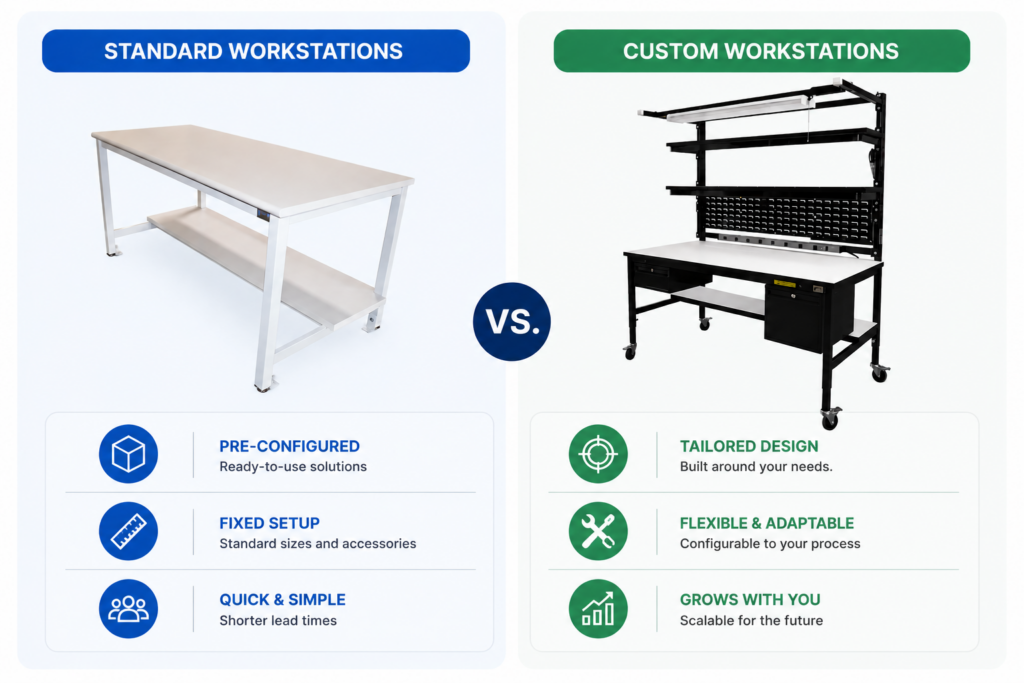
Standard Workstations
Standard workstations are pre-configured solutions designed to accommodate a wide range of applications. They typically offer fixed dimensions, predefined accessories, and shorter lead times.
These solutions are often a good fit for organizations with straightforward workflows and minimal customization requirements.
Custom Workstations
Custom workstations are designed around specific operational needs, equipment configurations, and user requirements.
Rather than adapting your process to fit the workstation, a custom solution is built to support the way your team already works, while allowing for future adjustments and growth.
Start with Your Workflow
Before comparing products, evaluate the workflow the workstation needs to support.
Consider questions such as:
- What tasks are performed at the workstation?
- What equipment, tools, or instruments need to be accommodated?
- How many operators will use the space?
- Are there recurring inefficiencies or bottlenecks today?
- Will processes likely change over the next few years?
Organizations that can answer these questions clearly are often better positioned to determine whether a standard solution will suffice or whether customization will provide measurable benefits.
When a Standard Workstation Makes Sense
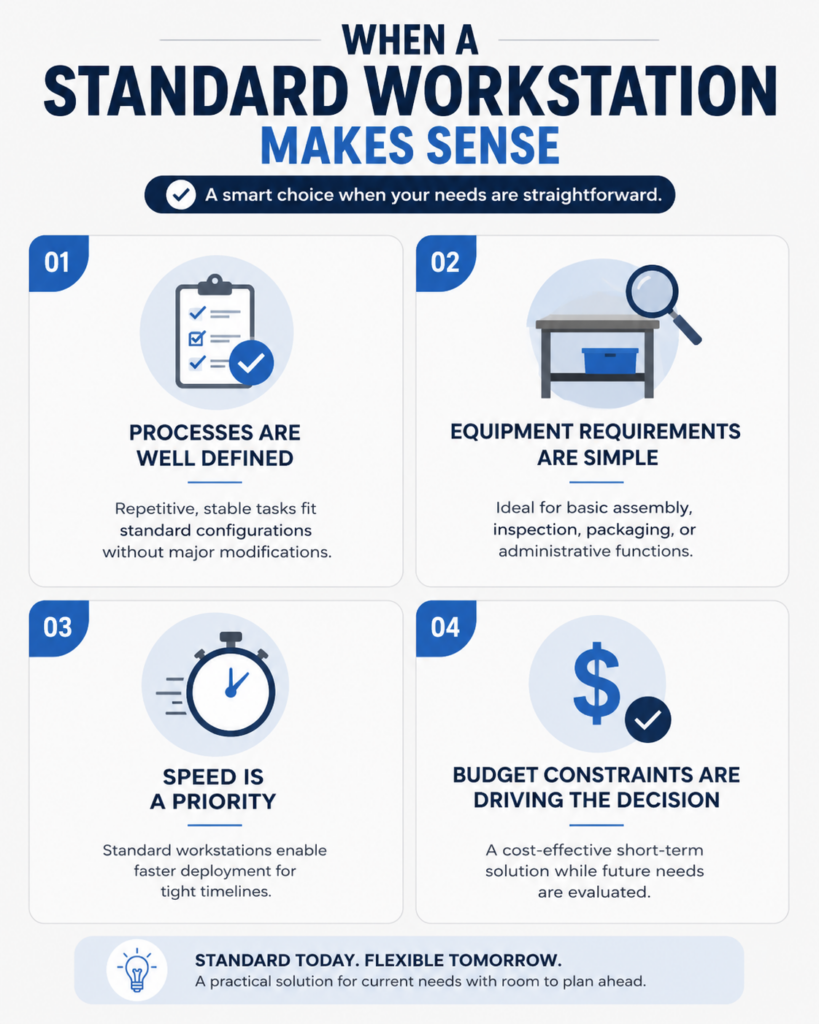
Processes Are Well Defined
If tasks are repetitive and unlikely to change, a standard configuration may meet operational needs without requiring significant modifications.
Equipment Requirements Are Simple
Workstations supporting basic assembly, inspection, packaging, or administrative functions often do not require specialized layouts.
Speed Is a Priority
For organizations working under tight timelines, standard workstations may offer faster deployment compared to fully customized solutions.
Budget Constraints Are Driving the Decision
In some cases, a standard workstation can provide an effective short-term solution while future requirements are evaluated.
Signs a Custom Workstation May Be the Better Investment
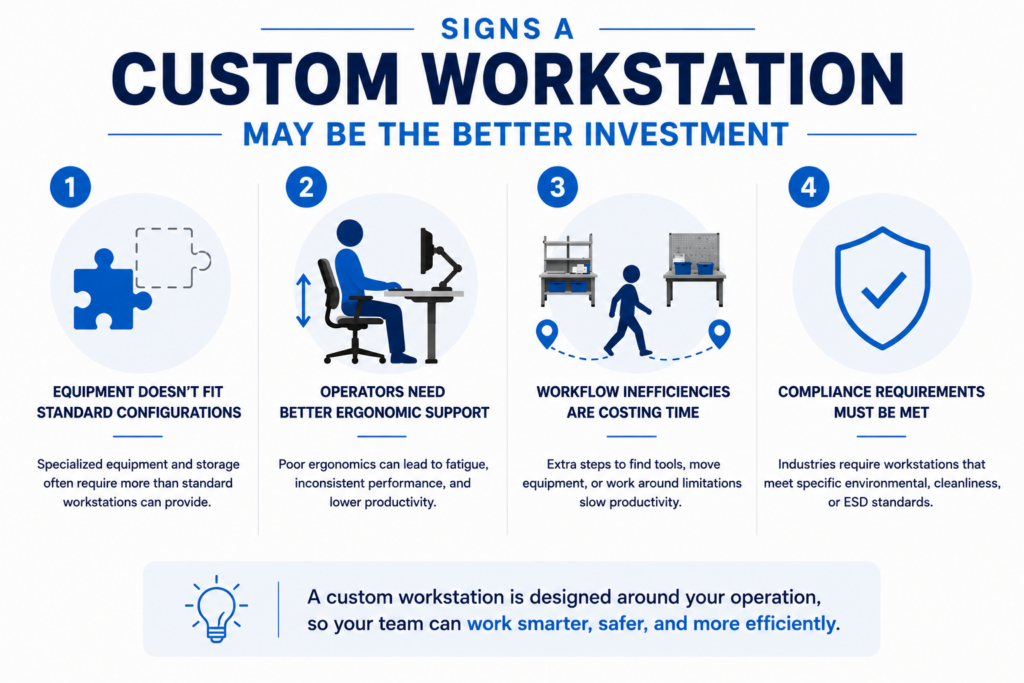
Equipment Doesn’t Fit Standard Configurations
Many facilities operate with specialized instruments, testing equipment, monitors, storage requirements, or process tools that standard workstations were never designed to accommodate.
A custom workstation can integrate these elements into a cohesive and efficient workspace.
Operators Need Better Ergonomic Support
Poor workstation ergonomics can contribute to fatigue, inconsistent performance, and reduced productivity.
Custom solutions allow organizations to optimize working heights, reach distances, monitor placement, storage access, and operator comfort.
Workflow Inefficiencies Are Costing Time
If employees frequently walk between stations, search for tools, reposition equipment, or work around workspace limitations, the workstation itself may be contributing to inefficiency.
Custom designs can streamline workflows by positioning critical resources exactly where they are needed.
Compliance Requirements Must Be Met
Industries such as biotechnology, medical device manufacturing, aerospace, semiconductor manufacturing, and electronics often require workstations that support specific environmental, cleanliness, or ESD requirements.
Customization allows these requirements to be addressed from the beginning rather than through aftermarket modifications.
Consider Future Growth
One of the most overlooked aspects of workstation selection is adaptability.
A workstation that meets today’s requirements may become a limitation as production volumes increase, new equipment is introduced, or processes evolve.
When evaluating options, consider:
- Planned facility expansions
- New product introductions
- Equipment upgrades
- Workforce growth
- Process improvements
In many cases, modular custom workstations can provide the flexibility needed to support future changes without requiring complete replacement.
Looking Beyond Initial Cost
While standard workstations often have a lower upfront cost, total value should be evaluated over the entire lifespan of the solution.
Questions to consider include:
- Will modifications be required after installation?
- How much productivity is lost due to workflow inefficiencies?
- Could ergonomic improvements reduce operator fatigue?
- Will the workstation support future process changes?
- How often will equipment layouts need to be adjusted?
A workstation that aligns closely with operational requirements may deliver substantial long-term savings through improved productivity, reduced rework, and increased flexibility.
Need Help Determining the Right Fit?
Every operation has unique requirements, and the choice between a standard or custom workstation is rarely one-size-fits-all. By evaluating your workflow, equipment, space constraints, and long-term goals, you can identify a solution that supports both current performance and future growth.
If you’re exploring workstation options and need guidance, Bench-Tek can help assess your requirements and recommend a solution tailored to your operation.
Key Takeaways
- Standard workstations are ideal for simple workflows, limited equipment needs, and fast deployment.
- Custom workstations are better suited for operations that require equipment integration, ergonomic improvements, workflow optimization, or industry-specific compliance needs.
- The right workstation decision starts with understanding how work is done today and where inefficiencies exist.
- Future growth should also be part of the evaluation. Changes in volume, equipment, staffing, or processes can quickly outgrow a workstation designed only for current needs.
- Upfront cost is only one factor. Productivity, adaptability, maintenance, and employee efficiency often have a greater impact on long-term value.
- Whether standard or custom, the best workstation supports operational goals, fits the workflow, and adapts as requirements change.
- Organizations that evaluate both current needs and future goals are more likely to choose a workstation solution that delivers lasting performance and return on investment.